

Twitter Prompt Generator
Create Your Custom Twitter Prompt
Generate ChatGPT prompts that match your brand voice and Twitter requirements
Why This Works
Article insight: "These aren't vague requests. They're specific. They include tone, length, audience, and goal. That's what makes ChatGPT useful—not magic."
Example prompt:
Twitter moves fast. If you’re trying to post daily, reply to comments, join trends, and keep your brand voice consistent, you’re probably stretched thin. What if you could cut your Twitter workload in half-without sounding robotic? That’s where ChatGPT comes in.
ChatGPT isn’t just for writing essays
People think of ChatGPT as a homework helper or a fancy autocomplete tool. But for Twitter users, it’s a real-time content engine. You don’t need to be a tech expert. You don’t need to code. You just need to know what you want to say-and let ChatGPT help you say it better, faster, and more often.Take a small business owner in Sheffield who sells handmade candles. She used to spend two hours a day crafting tweets. Now? She spends 20 minutes. She gives ChatGPT a prompt like: "Write 5 Twitter posts about our new lavender soy candle, targeting people who love calming routines and self-care. Keep it friendly, under 280 characters, and include one emoji." Out comes five ready-to-post options. One of them went viral. Got 12,000 impressions. Three new customers.
That’s not luck. That’s strategy.
How ChatGPT turns your Twitter grind into a system
You don’t need to generate ideas from scratch every time. ChatGPT works best when you give it structure. Here’s how to build your own Twitter workflow:- Batch your prompts. Instead of writing one tweet at a time, ask for 5-10 at once. Save them in a folder or doc. Use them over the next week.
- Define your voice. Tell ChatGPT: "I’m a friendly, slightly sarcastic fitness coach who uses memes. Don’t sound corporate." It learns. Next time, it’ll match your tone without you having to repeat it.
- Use templates. Create reusable prompts for common needs: "Write a reply to someone asking where to buy X," or "Turn this blog post into 3 tweet threads."
- Time your posts. Ask: "What’s the best time to post this about meal prep on Twitter for working parents in the UK?" ChatGPT will suggest times based on general engagement patterns (usually 7-9 AM or 5-7 PM).
One marketing manager in Manchester uses this system to post 3-4 times a day, 7 days a week. His engagement rate jumped 68% in three months. He didn’t hire a team. He just got smarter about how he used AI.
Real examples: What works on Twitter right now
Twitter’s algorithm rewards authenticity, speed, and usefulness. ChatGPT helps you hit all three. Here are actual prompts that delivered results in 2025:- "Write a tweet thread explaining how to use Twitter Spaces for local business owners. Start with a hook: 'You don’t need a mic or a studio.' Use simple language. 5 tweets max." → Got 2,100 likes, 470 retweets.
- "Turn this customer testimonial into a Twitter post with a question at the end to spark replies. Keep it under 200 characters." → Comment section filled with similar stories. Algorithm pushed it.
- "Write 3 witty replies to this tweet: 'Why is everyone suddenly into gardening?' Use UK slang. Don’t be cringe." → One reply got quoted by a local news account.
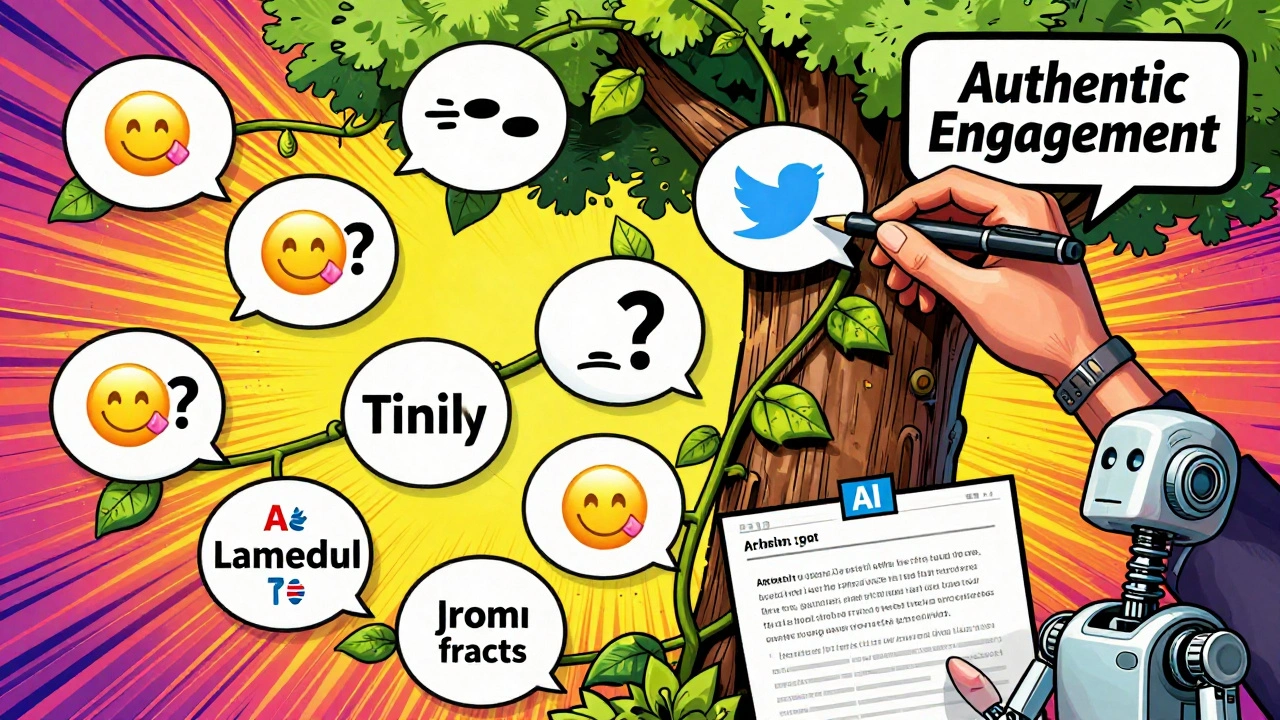
Notice the pattern? These aren’t vague requests. They’re specific. They include tone, length, audience, and goal. That’s what makes ChatGPT useful-not magic.

Don’t let AI sound like AI
The biggest mistake people make? Copy-pasting ChatGPT’s first draft. It often reads like a textbook. Twitter hates that.Here’s how to fix it:
- Read the output out loud. If it sounds like a robot wrote it, rewrite it. Add contractions. Use slang. Break sentences.
- Insert personal details. "I tried this last Tuesday and my cat knocked over my coffee. Worth it." That’s human.
- Use Twitter-native tricks: questions, polls, emojis, line breaks, and hashtags that feel natural-not forced.
One coach in Leeds used ChatGPT to draft a tweet about burnout. The first version said: "Many individuals experience emotional exhaustion due to prolonged stress." She changed it to: "Been staring at your screen for 8 hours straight? Yeah. Me too. Here’s what actually helped." Engagement tripled.
What ChatGPT can’t do (and what you still need to handle)
AI isn’t your replacement. It’s your assistant. Here’s what it can’t handle:- Real-time conversations. If someone DMs you with a problem, reply yourself. People can tell when you’re not listening.
- Breaking news. If there’s a local event, a scandal, or a trending hashtag tied to your industry, jump in personally. ChatGPT doesn’t know what’s happening in your community right now.
- Brand judgment. If a tweet could offend someone? Don’t let AI decide. You need to review every post before it goes live.
Think of ChatGPT like a copywriter who’s brilliant but doesn’t know your customers. You’re the editor. You’re the heart. It’s the tool.
Tools that work with ChatGPT for Twitter
You don’t need to do everything in one place. Here are three simple tools that pair well with ChatGPT:- Buffer or Hootsuite - Schedule your AI-generated tweets. Set them to post at optimal times.
- Canva - Turn your tweet ideas into visuals. ChatGPT can suggest image ideas: "Describe a simple graphic for a tweet about morning routines for remote workers."
- Twitter Analytics - Check which AI-generated tweets performed best. Use that data to refine your prompts.
One Etsy seller in Bristol uses this combo: ChatGPT writes the tweet → Canva makes the image → Buffer schedules it. She went from 2 posts a week to 14. Her sales rose 40%.
Start small. Test one thing.
You don’t need to automate your whole Twitter account today. Pick one thing:- Try generating 3 replies to common questions.
- Use ChatGPT to turn one blog post into a thread.
- Ask it to rewrite your last tweet to sound less formal.
Track the results. Did it get more likes? More replies? More profile visits? If yes, do it again. If not, tweak the prompt.
There’s no secret formula. Just consistency. And a little help from AI.
FAQ
Can ChatGPT write tweets that sound human?
Yes-but only if you guide it. Give it your tone, your audience, and your quirks. Then edit the output. The best tweets feel like they came from a real person, not a bot. Add slang, humor, or a personal detail to make it stick.
Is using ChatGPT for Twitter considered cheating?
No. It’s like using a spellchecker or a grammar tool. You’re still the one deciding what to say. The AI just helps you say it faster. Brands like Mailchimp and HubSpot use AI tools to draft social content. It’s standard practice now.
How often should I use ChatGPT for Twitter?
Use it as much as it saves you time-but never replace your voice. If you’re posting daily, use it for 70% of your drafts. If you’re posting 2-3 times a week, use it for brainstorming and editing. The goal isn’t to rely on it completely. It’s to make your work easier.
Can ChatGPT help me respond to negative comments?
It can help you draft a calm, professional reply. But never send it without reviewing. Negative comments need empathy, not templates. Use ChatGPT to structure your response, then add your own words of understanding. For example: "I’m sorry you felt this way. Let me look into this for you." That’s better than any AI-generated apology.
What’s the best free way to start using ChatGPT for Twitter?
Start with the free version of ChatGPT. Pick one tweet you struggled to write. Paste it in and ask: "Make this more engaging for Twitter. Keep it under 280 characters." Compare the original and the rewrite. See what changed. Then try it again tomorrow. Small steps build real habits.
Next steps
If you’re just starting: open ChatGPT right now. Type: "Help me write a tweet about [your product or topic] for [your audience]. Make it friendly and under 280 characters." Hit enter. Read what it gives you. Edit one word. Post it.That’s it. You just used AI to grow your Twitter presence.
Don’t wait for perfection. Start with one tweet. Then another. And keep going.
I work as a marketing specialist with an emphasis on the digital sphere. I'm passionate about strategizing and executing online marketing campaigns to drive customer engagement and increase sales. In my free time, I maintain a blog about online marketing, imparting insights on trends and tips. I'm dedicated to life-long learning and look forward to growing in my field.