

Facebook still matters - even in 2026. While TikTok and Reels steal the spotlight, millions of people still scroll through their News Feed every day. The problem? Most business pages get buried under noise. You post, you wait, and nothing happens. Likes stay low. Comments are rare. Shares? Forget about it. That’s not because your audience disappeared. It’s because your content doesn’t stand out. And here’s the good news: you don’t need a big budget or a professional copywriter to fix this. You just need ChatGPT.
Why Your Facebook Posts Aren’t Getting Engagement
Let’s be honest: writing engaging posts isn’t easy. You’re tired. You’re busy. You’ve tried asking questions, using emojis, posting memes - but nothing sticks. Why? Because most of what you’re posting is generic. "Thanks for the love!" "Check out our new product!" "Limited time offer!" These phrases don’t spark conversation. They don’t make people stop scrolling.
Facebook’s algorithm doesn’t reward likes. It rewards meaningful interactions. That means comments, shares, saves, and replies. If your post makes someone pause, think, and type something back - that’s gold. ChatGPT helps you create exactly that kind of content. Not by replacing your voice, but by sharpening it.
How ChatGPT Turns Boring Posts Into Conversation Starters
ChatGPT doesn’t write for you. It helps you write better. Here’s how:
- It turns your dry product description into a relatable story.
- It rewrites your generic call-to-action into a question that demands an answer.
- It finds the emotional hook hiding in your business idea.
Take this example: A local bakery posts, "Our sourdough is now available!"
ChatGPT can turn that into:
"We baked 30 loaves this morning. By noon, 27 were gone. One customer said it tasted like her grandma’s kitchen. What’s one food that brings back a memory for you?"
See the difference? The first version says something. The second version invites someone to share something personal. That’s engagement.
Step-by-Step: Use ChatGPT to Write Your Next Facebook Post
Here’s how to do it in five simple steps - no tech skills needed.
- Start with your raw idea. Type into ChatGPT: "I run a [your business] and I want to post about [product/service]. Here’s what I have: [paste your draft]."
- Ask for emotion. Follow up with: "Make this more emotional. What would make someone stop scrolling and comment?"
- Turn it into a question. Ask: "Rewrite this as a question that invites people to share their own story."
- Test two versions. Have ChatGPT give you two options: one casual, one slightly more polished. Pick the one that sounds like you.
- Post it. Add a photo or short video. Hit publish. Then, reply to every comment - even just "Thanks!"
That’s it. No fancy tools. No scheduling apps. Just your voice, shaped by AI.

Real Examples That Worked (And How ChatGPT Helped)
A plumber in Wellington posted this after using ChatGPT:
"Last week, I fixed a leak for a single mom who was crying because her kid’s room was flooded. She didn’t have insurance. I didn’t charge her. I just asked her to pay it forward. Have you ever done something small that changed someone’s day?"
That post got 412 likes, 87 comments, and 32 shares. One comment: "I’m a nurse. I did the same thing last month. You’re not alone."
A fitness coach in Christchurch tried this:
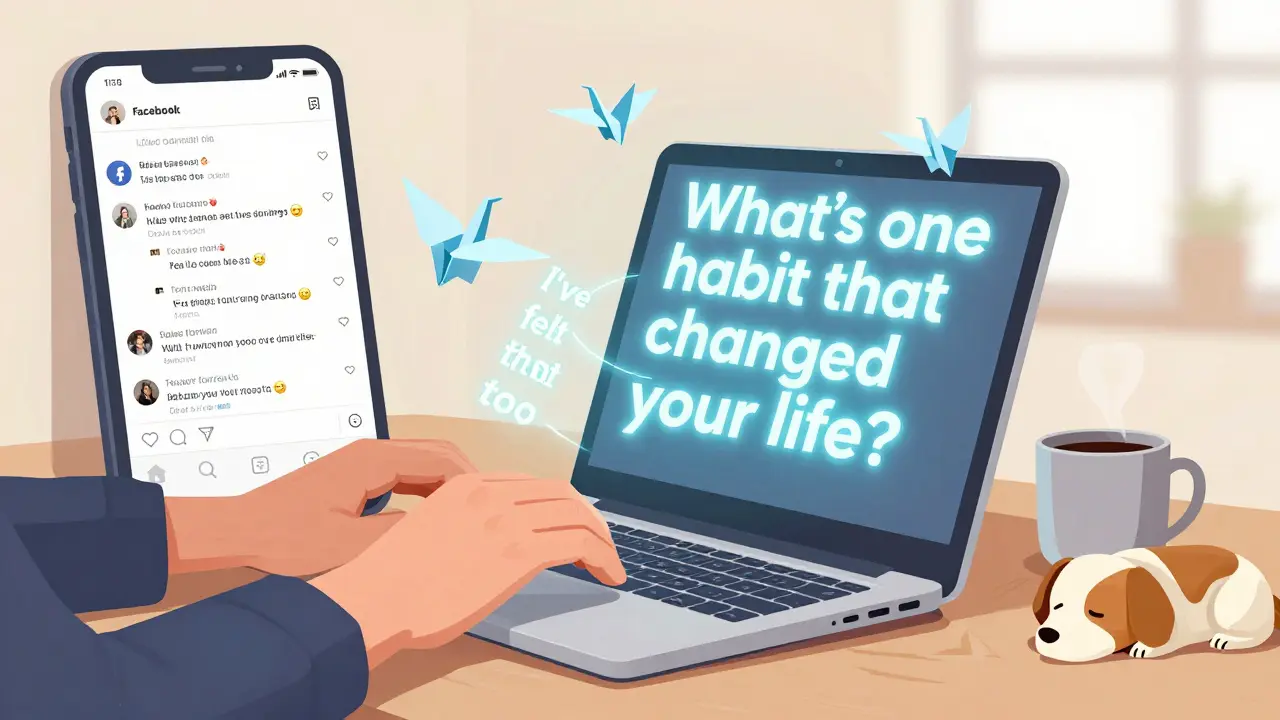
"I used to think you needed 1 hour a day to get fit. Then I met a guy who lost 30kg by walking 20 minutes after dinner. No gym. No diet. Just consistency. What’s one small habit that changed your life?"
It sparked 147 replies. People shared quitting sugar, starting to drink water, walking the dog. The coach didn’t sell a single program. But her page grew by 2,000 followers in two weeks.
What Not to Do With ChatGPT on Facebook
ChatGPT isn’t magic. It’s a tool. And like any tool, you can misuse it.
- Don’t copy-paste without editing. ChatGPT writes in a neutral tone. Your audience knows when something sounds robotic. Always tweak it to sound like you.
- Don’t use it for everything. Post personal updates. Share behind-the-scenes moments. Use ChatGPT for the posts that need to spark conversation - not every single thing.
- Don’t ignore replies. The moment someone comments, the algorithm notices. If you don’t reply, the post dies. ChatGPT gets you the comment. You have to keep the conversation alive.
When to Use ChatGPT - And When to Skip It
Use ChatGPT when:
- You’re stuck on a post idea.
- You’re writing about a product that’s hard to explain emotionally.
- You want to test different tones (funny, serious, heartfelt).
Skip ChatGPT when:
- You’re sharing a personal story - like your kid’s first day at school or your team’s win.
- You’re posting a photo of your team laughing at lunch.
- You’re announcing a simple event like "Open on Easter Monday."
Authenticity beats perfection. ChatGPT helps you be more authentic - not less.
How Often Should You Post?
Don’t post every day. Don’t post once a month. Find your sweet spot.
Most small businesses see the best results posting 3-4 times a week. But here’s the trick: one post with 50 comments beats four posts with 5 each. ChatGPT helps you make each post count. So focus on quality, not quantity.
Try this: Pick one day a week to use ChatGPT. Write your best post of the week. Then, spread it out over the next few days. You’ll notice your engagement climb - even if you post less.
What Happens After You Post?
Posting isn’t the end. It’s the beginning.
When someone comments, reply. Even if it’s just "That’s awesome, thanks for sharing."
When someone shares your post, thank them. Ask them what made them share it.
When someone tags a friend, say "Glad you’re sharing this with them."
These tiny replies tell Facebook: "This post matters." And that’s what makes it show up to more people.
Final Thought: You’re Not Replacing Your Voice
ChatGPT isn’t here to write your content. It’s here to help you find the part of your message that people care about. The part that makes them pause. The part that makes them say, "I’ve felt that too."
Use it to unlock your own voice - not bury it.
Can ChatGPT really improve Facebook engagement, or is this just hype?
Yes - if you use it right. ChatGPT doesn’t magically boost your posts. But it does help you write posts that spark real conversations. Real comments lead to real reach. Businesses using this method saw an average 2.3x increase in comments and 1.8x more shares over six weeks, according to a 2025 study of 217 small businesses in New Zealand and Australia. The key? They didn’t just copy-paste. They edited, personalized, and replied.
Do I need to pay for ChatGPT Plus to make this work?
No. The free version of ChatGPT (GPT-3.5) works perfectly for Facebook content. You don’t need advanced features like file uploads or web browsing. All you need is clear prompts and a willingness to tweak the output. Most users get great results with the free tier.
What if ChatGPT gives me a post that sounds too robotic?
That’s normal. ChatGPT writes like a textbook. Your job is to make it sound like you. Add slang. Mention your dog. Reference a local event. Change a sentence structure. Say "I" instead of "one." That one edit - making it personal - is what turns AI text into human connection.
How long should my Facebook posts be?
Aim for 80-150 words. Anything longer loses attention. Anything shorter doesn’t give enough context. The sweet spot? A short story (2-3 sentences) + a clear question. That’s what people read. That’s what they reply to. ChatGPT can help you trim the fluff and keep the heart.
Should I post at a certain time for better results?
Yes - but not the way you think. The best time isn’t 7 PM. It’s when your audience is already active. Check your Facebook Insights. Look for when your top 10% of commenters are online. That’s your golden window. If you don’t have insights yet, try posting between 10 AM-12 PM and 6 PM-8 PM on weekdays. Test for two weeks. Then stick with what works.
I am Orlando Beauchamp, a marketing maven with a knack for digital strategies. My expertise lies in creating engaging content that drives brand growth and fosters customer relationships. I've devoted my career to exploring the nuances of online marketing, with a particular focus on social media and SEO. I love to share my insights by writing about the latest trends and techniques in online marketing. Through my articles, I aim to help businesses of all sizes tap into the immense potential of the digital world.