
Most SEO strategies still rely on the same old tactics: keyword stuffing, backlink chasing, and rewriting old blog posts. But what if you could cut hours off your workflow and get smarter, more human-sounding content in minutes? That’s not a dream. It’s what happens when you use ChatGPT the right way.
Stop guessing keywords. Let ChatGPT find them for you.
Keyword research used to mean spending hours in SEMrush or Ahrefs, scrolling through endless data tables, and guessing what users actually mean. Now, you can ask ChatGPT directly: "What are the top 10 long-tail keywords for organic skincare for sensitive skin in 2026?"
It doesn’t just spit out a list. It understands context. Ask it to compare search intent between "best natural shampoo" and "how to fix dry scalp naturally," and it’ll tell you the first is commercial, the second is informational. That’s critical. You don’t want to write a product page for someone looking for home remedies.
Try this: Paste 5 of your top competitor’s blog titles into ChatGPT and ask, "What keywords are these pages targeting, and what gaps are they missing?" It’ll analyze tone, structure, and implied intent - often spotting opportunities you missed in your own research.
Write content that ranks - without sounding like a robot.
People hate AI content because it’s flat. Generic. Like a textbook written by a machine that never met a human.
But here’s the trick: ChatGPT doesn’t write your content. You guide it. Start with a rough outline. Give it your target keyword, a short description of your audience, and three bullet points on what you want to cover. Then say: "Write this in a conversational tone, like a trusted expert explaining it to a friend over coffee. Avoid jargon. Use contractions. Add one real-life example."
Example: You’re writing about "how to fix crawl errors in Google Search Console". Instead of just asking for steps, say: "I’m writing for small business owners who aren’t tech-savvy. They’ve seen a drop in traffic and are scared. Explain this like they’re sitting across from you at a diner. Use simple words. Mention one common mistake most people make."
ChatGPT will give you a draft. Then you edit. Not to fix grammar - that’s easy. But to add personality. Inject a story. Mention a client who had this problem. Include a line like: "I’ve seen this happen 17 times this year alone - and every time, it was because someone ignored the robots.txt file."
That’s what Google rewards: content that feels human. Not because it’s perfect, but because it’s real.
Turn one piece of content into ten.
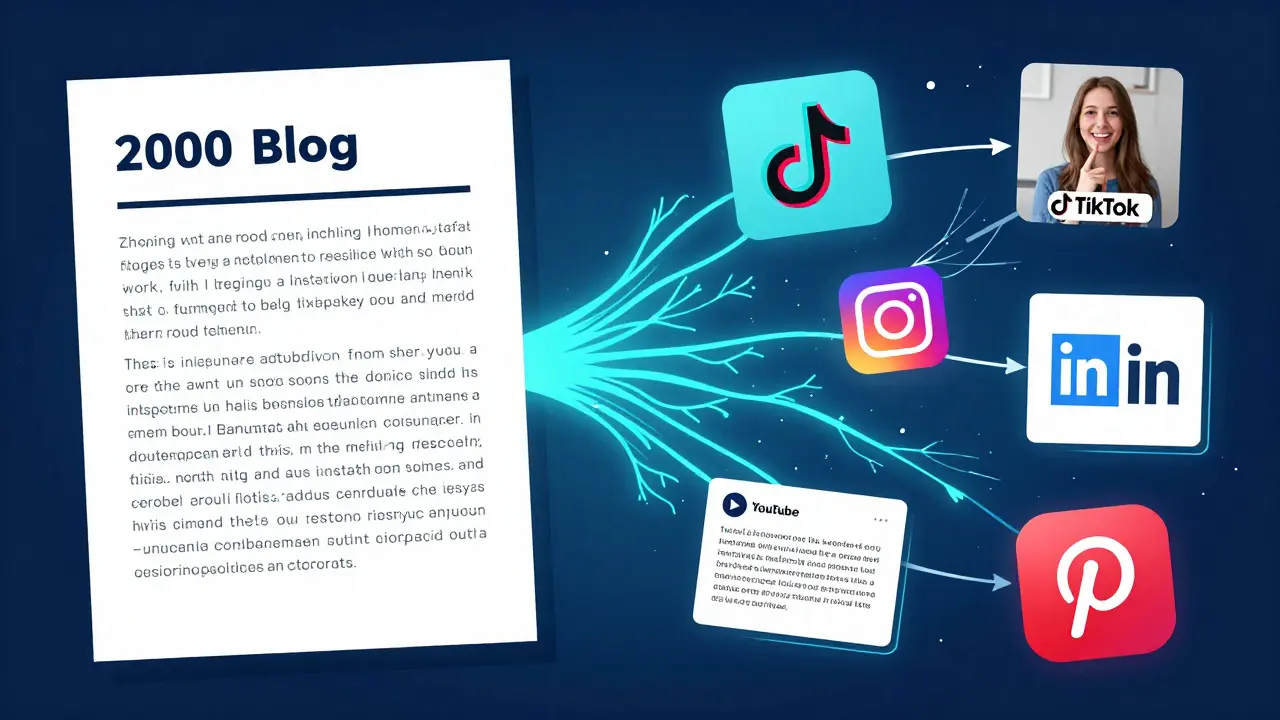
Writing a 2,000-word guide? Great. Now turn it into:
- A 60-second TikTok script
- Three Instagram carousels
- A LinkedIn post with stats
- A YouTube script with timestamps
- Five FAQ answers for your site
Just paste your main article into ChatGPT and say: "Turn this into five short social media posts, each with a different hook. One for Twitter, one for LinkedIn, one for Instagram, one for Pinterest, and one for Facebook. Use platform-specific language."
It’ll generate variations that match each platform’s tone. Twitter gets punchy. LinkedIn gets professional. Instagram gets visual. You don’t have to rewrite everything. You just need to tweak a few words and add hashtags.
This isn’t just time-saving. It’s multiplier. One piece of high-quality content can now reach five audiences - and each one links back to your original post. That’s how you build internal links naturally.

Fix your on-page SEO without hiring an expert.
On-page SEO isn’t just keywords. It’s structure. Headers. Internal links. Meta descriptions. All of it matters.
Take your draft. Copy the full text. Ask ChatGPT: "Analyze this for on-page SEO. Highlight missing H2s, suggest better meta descriptions under 160 characters, and recommend two internal links based on related topics. Also check for keyword density and readability."
It’ll return a checklist. Maybe it says: "Your H2s are too generic. Change 'Benefits' to 'Why This Works for Busy Parents.' Your meta description is 210 characters - trim to 158. Add a link to your guide on 'time-saving meal prep' as an internal reference."
You don’t need to memorize Google’s guidelines. You just need to ask the right questions.
Generate schema markup in seconds.
Schema markup is one of the most overlooked SEO tools. It helps Google understand your content. And it’s what gives you rich snippets - the fancy boxes with ratings, prices, or FAQs under your link.
Manually writing JSON-LD is a nightmare. But ChatGPT? It’s a wizard.
Ask: "Generate FAQ schema markup for this article about fixing crawl errors. Use these five questions: [list your 5 most common questions]. Format as JSON-LD."
It gives you clean, valid code. Copy. Paste. Done. No plugins. No confusion. Just a 30-second fix that can boost your click-through rate by 30% or more.
Track what’s working - and kill what’s not.
Most people check their Google Analytics once a month and panic if traffic dropped. That’s reactive. Smart SEO is proactive.
Ask ChatGPT: "Here’s my top 5 performing blog posts from the last 90 days. Here’s my bounce rate and average time on page. What do they have in common? What’s missing in my lower-performing posts?"
It might say: "Your top posts all answer a specific question in the first 100 words. Your low-performing ones start with fluff. Also, none of them link to your product page - that’s a missed conversion opportunity."
Now you know what to replicate. And what to delete.
Don’t automate everything. Automate the boring stuff.
ChatGPT isn’t here to replace you. It’s here to take over the tasks that drain your energy:
- Writing 10 meta descriptions
- Formatting internal links
- Turning a long guide into social snippets
- Generating schema markup
- Finding keyword gaps in competitor content
Leave the creativity to you. The strategy. The storytelling. The voice. Let ChatGPT handle the grunt work.
Try this workflow:
- Use ChatGPT to find 5 keyword ideas
- Write a rough outline yourself
- Ask ChatGPT to draft the first version
- Edit for personality and depth
- Ask it to generate social posts and schema
- Publish
That’s 8 hours of work cut down to 2. And your content is better because you added the human touch.
What happens if you don’t use it?
SEO isn’t getting easier. It’s getting faster. Google’s algorithms now reward content depth, relevance, and user intent - not just keyword density. And the people who win are the ones who work smarter, not harder.
If you’re still writing every blog post from scratch, manually checking meta tags, and guessing at keywords - you’re falling behind. Not because you’re bad. But because your tools are outdated.
ChatGPT isn’t magic. But used right, it’s like giving your SEO team a superpower. One that never sleeps. One that doesn’t charge overtime. One that learns from every prompt you give it.
The question isn’t whether you should use it. It’s how soon you’ll start.
Can ChatGPT replace SEO professionals?
No. ChatGPT is a tool, not a strategist. It can draft content, suggest keywords, and generate schema - but it can’t understand your brand voice, customer psychology, or long-term business goals. SEO still needs humans to set direction, interpret data, and make judgment calls. Think of ChatGPT as your assistant, not your boss.
Is content written by ChatGPT penalized by Google?
Google doesn’t penalize content based on who wrote it - AI or human. What matters is quality. If the content is helpful, original, and well-structured, it ranks. If it’s thin, repetitive, or copied, it doesn’t. The key is editing. Add your expertise, real examples, and unique insights. That’s what makes content stand out - not the tool that wrote the first draft.
How accurate is ChatGPT for keyword research?
ChatGPT doesn’t pull live search data like Ahrefs or SEMrush. It predicts trends based on patterns it learned. So it’s great for brainstorming and understanding intent - but not for exact search volume numbers. Always cross-check its suggestions with real tools. Use ChatGPT to find ideas, then validate them with data.
Can ChatGPT help with technical SEO?
It can help with some parts - like writing schema markup, explaining crawl errors, or suggesting internal linking strategies. But it can’t fix broken server configurations or diagnose indexing issues in Google Search Console. For deep technical problems, you still need tools like Screaming Frog or a developer. ChatGPT explains the problem. You fix it.
What’s the best way to prompt ChatGPT for SEO?
Be specific. Don’t say "Write me an SEO article." Say: "Write a 1,200-word guide on how to fix duplicate meta descriptions for e-commerce sites. Target small business owners. Use simple language. Include one real example. Add three internal link suggestions. End with a checklist." The more detail you give, the better the output.
How often should I update content using ChatGPT?
Update content every 6 to 12 months, especially if it’s about fast-changing topics like algorithms, tools, or regulations. Use ChatGPT to review your old posts: "Review this 2024 article and update it for 2026. Add new data, remove outdated advice, and suggest new keywords." Then republish with a new date. Google rewards fresh, updated content - not just new content.
Next steps: Start small, then scale
Don’t try to overhaul your entire SEO strategy overnight. Pick one task this week:
- Use ChatGPT to rewrite your top 3 meta descriptions
- Generate FAQ schema for your most visited page
- Turn one blog post into three social snippets
Track the results. Did clicks go up? Did bounce rate drop? Did you save time?
That’s your proof. Then do it again. And again. Slowly, you’ll build a system that works - and you’ll wonder how you ever did SEO without it.
I'm Felix Humphries, a seasoned professional in marketing with specialized expertise in online strategies. I foster compelling brand identities and drive growth through effective marketing solutions. I apply a data-driven approach to identify and track marketing trends, fueling impactful strategies. When I'm not strategizing, I enjoy turning my experiences into insightful articles about online marketing.